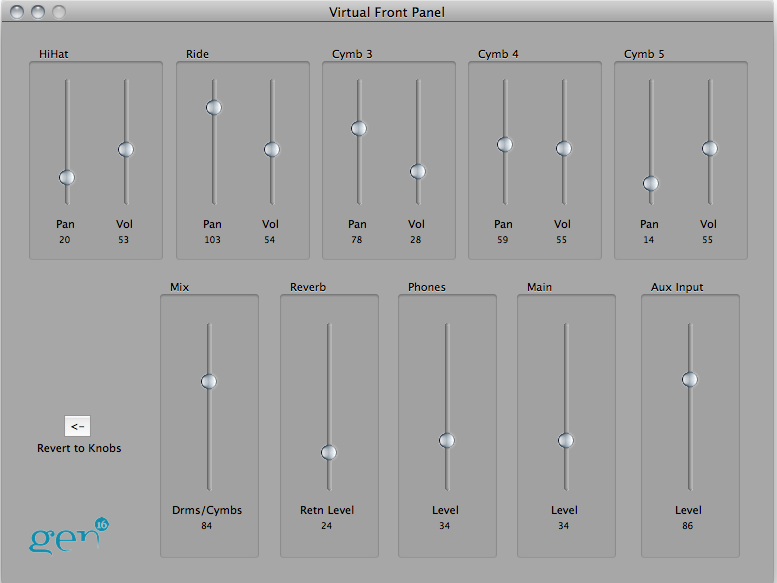
The Virtual Panel Window
The Virtual Panel window is opened by selecting "Virtual Front Panel" from the Tools Menu. It provides a convenient "remote control" facility, allowing you to control the DCP front panel controls from your computer. The virtual panel's controls will be set to the positions of the physical DCP controls when the window is first opened, and can be adjusted arbitrarily from there. The DCP's knobs, however, will not move when you move the virtual controls!
In addition to the DCP's physical knobs, the Virtual Panel also allows adjustment of the Aux Input level, which is normally only accessible via the DCP's Settings Menu.
To reset the virtual controls to the positions dictated by the DCP's physical knobs, click the Revert to Knobs button.