The Preferences Window
The Preferences window is opened by selecting "Preferences" from the Gen-16 DCP Access Tool Menu (Macintosh) or the File menu (Windows), or by pressing cmd-, (Macintosh) or ctl-, (Windows).
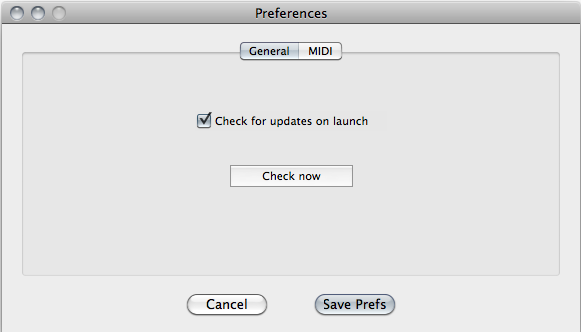
The Preferences window has two tab panes: General, MIDI, and User Mode. The General pane has only one preference - whether or not to check for updates automatically on launch.
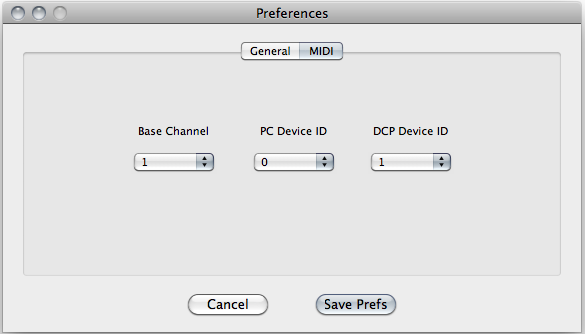
The MIDI pane has three settings: Base Channel, PC Device ID, and DCP Device ID. In the vast majority of situations you will not need to change any of these. The DCP requires nine consecutive MIDI channels for its operation and communication with the DCP Access Tool. The first of these is referred to as the "Base Channel" and it can be set to any channel 1-8. The Base Channel setting in the DCP must match the Base Channel setting in the DCP Access Tool program. The second two settings, PC Device ID and DCP Device ID, are for possible features to be added in the future; for the moment they should be left at their default values.